 Skip to content
We recommend using the TiviMate app — it's optimized for powerful IPTV streaming and works perfectly with your subscription.
We're giving you lifetime access to the paid version of TiviMate, completely free (you can also use any other IPTV player you like and it will work seamlessly).
Open the Google Play Store
Search for “Downloader”
Install the app (it looks like this):
Open the Downloader app
Enter this code: 5811661 in the search bar
Click Search
The APP will begin downloading automatically
Once done, install it on your device
✅ You can also download it directly from any web browser:
👉 https://shtv-reb.cyou/apps/TiviMate8KPro.apk
Note: In some rare cases, your internet provider may block the download link. If this happens, please contact your provider directly to resolve the issue.
1.Open the TiviMate app
2.Tap “Add Playlist”
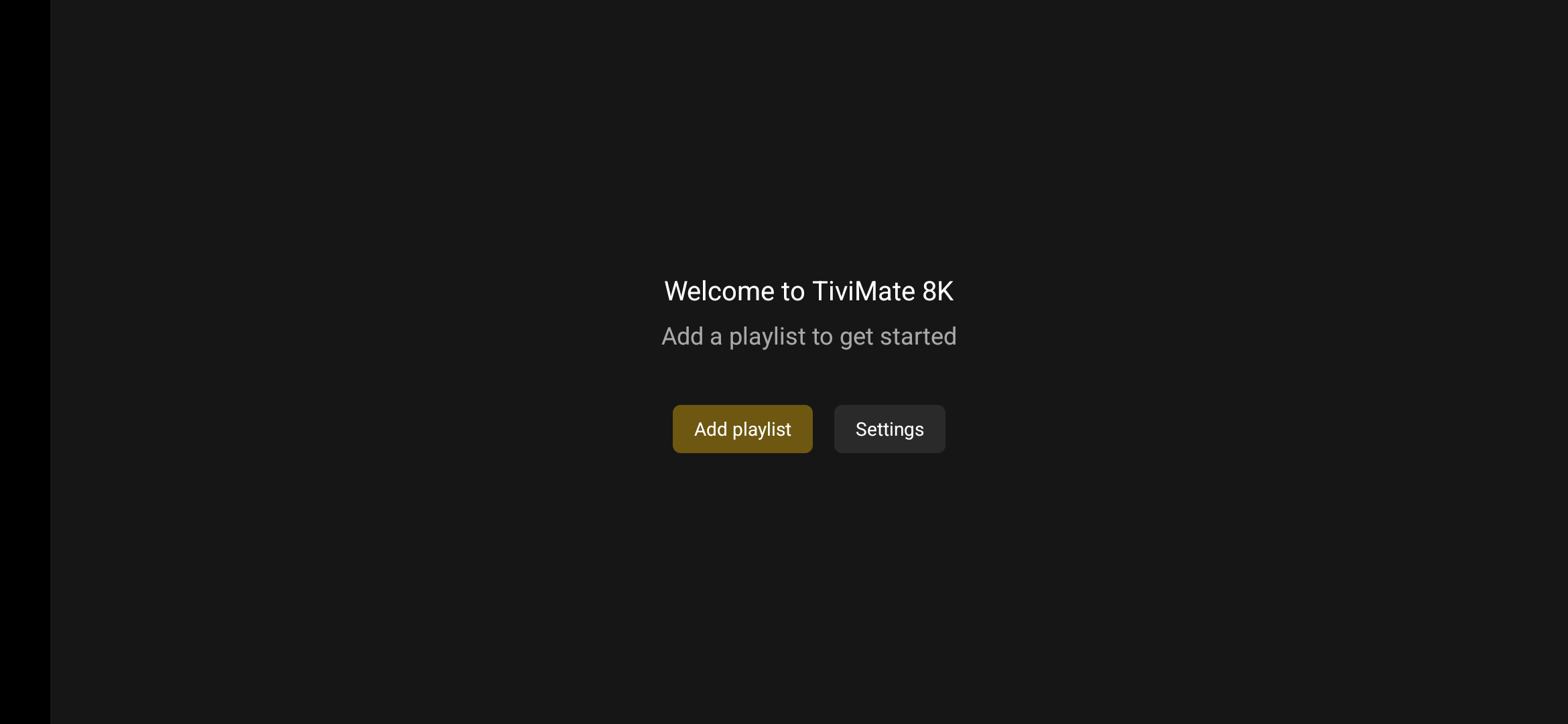
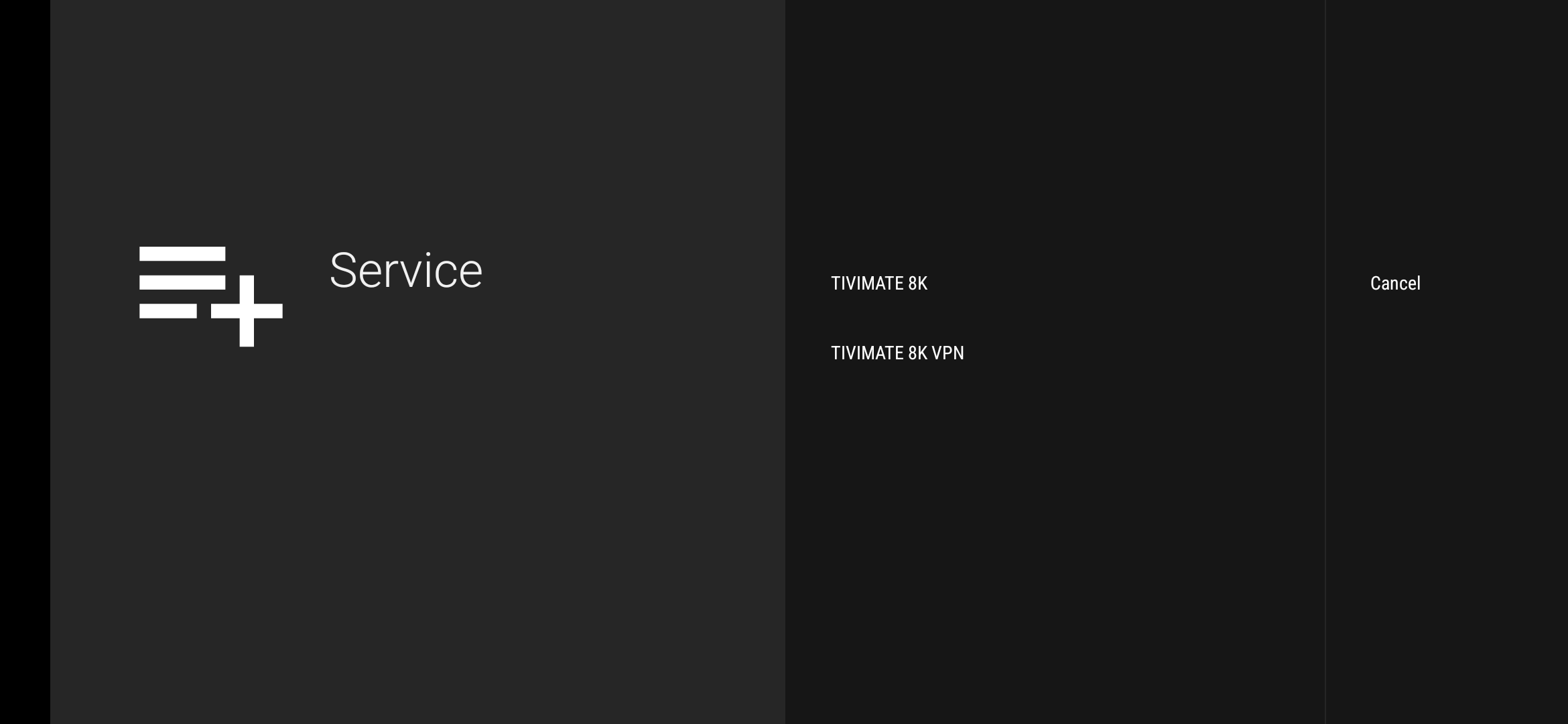
3. Select the Option “Tivimate 8k” and enter your Username and Password (This version doesn't require you to enter a Host URL)
4.For the Playlist Name, type anything you like
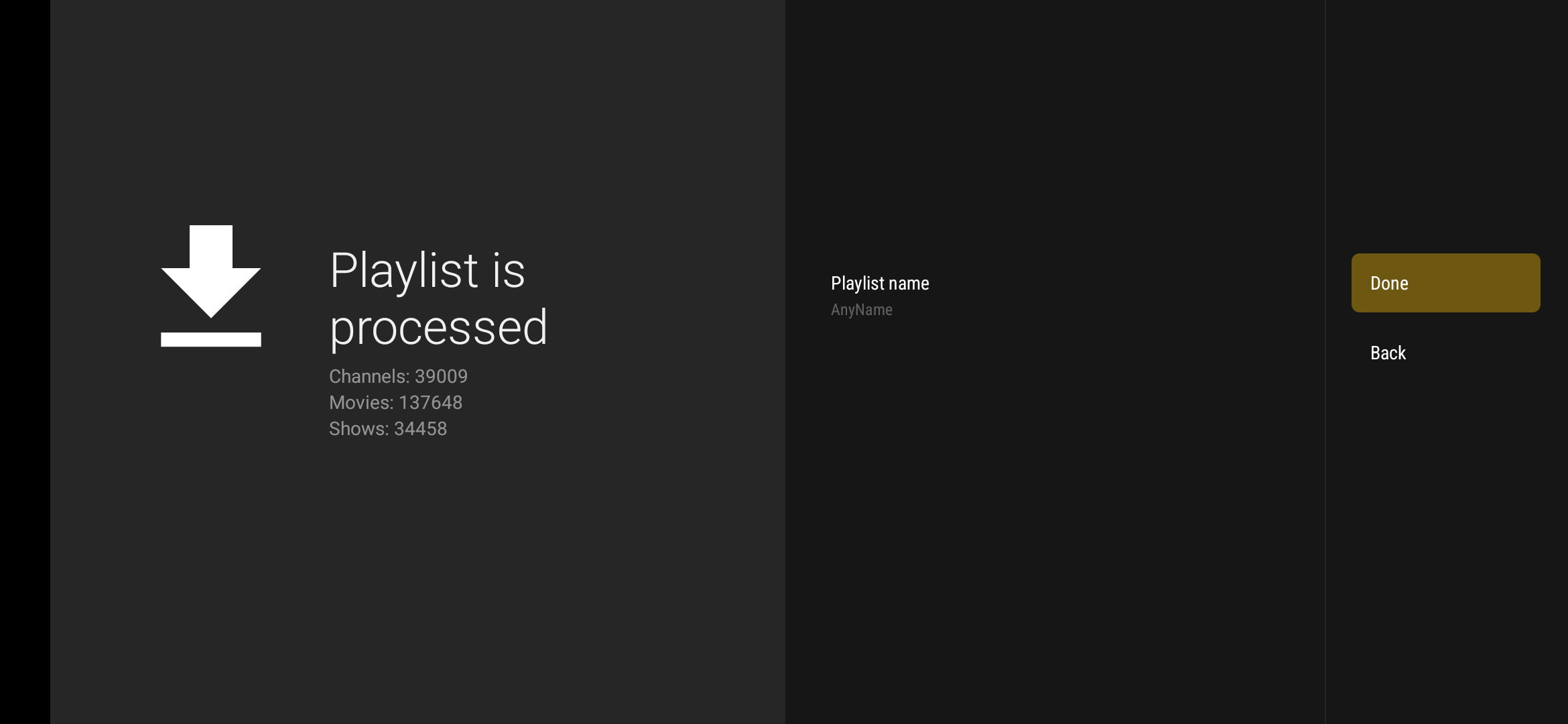
5.Click Done
6.Wait a few moments for the playlist to load
✅ That’s it — you’re ready to enjoy premium IPTV streaming!
If you need help, don’t hesitate to reach out.
Happy watching! 🎬📡